Vox-style videos
What is Vox-style animation called? Paper collage and the techniques behind the look
What Vox-style animation is called, where the paper-collage look comes from, and seven techniques behind it, shown with frames from our own Vox-style films.
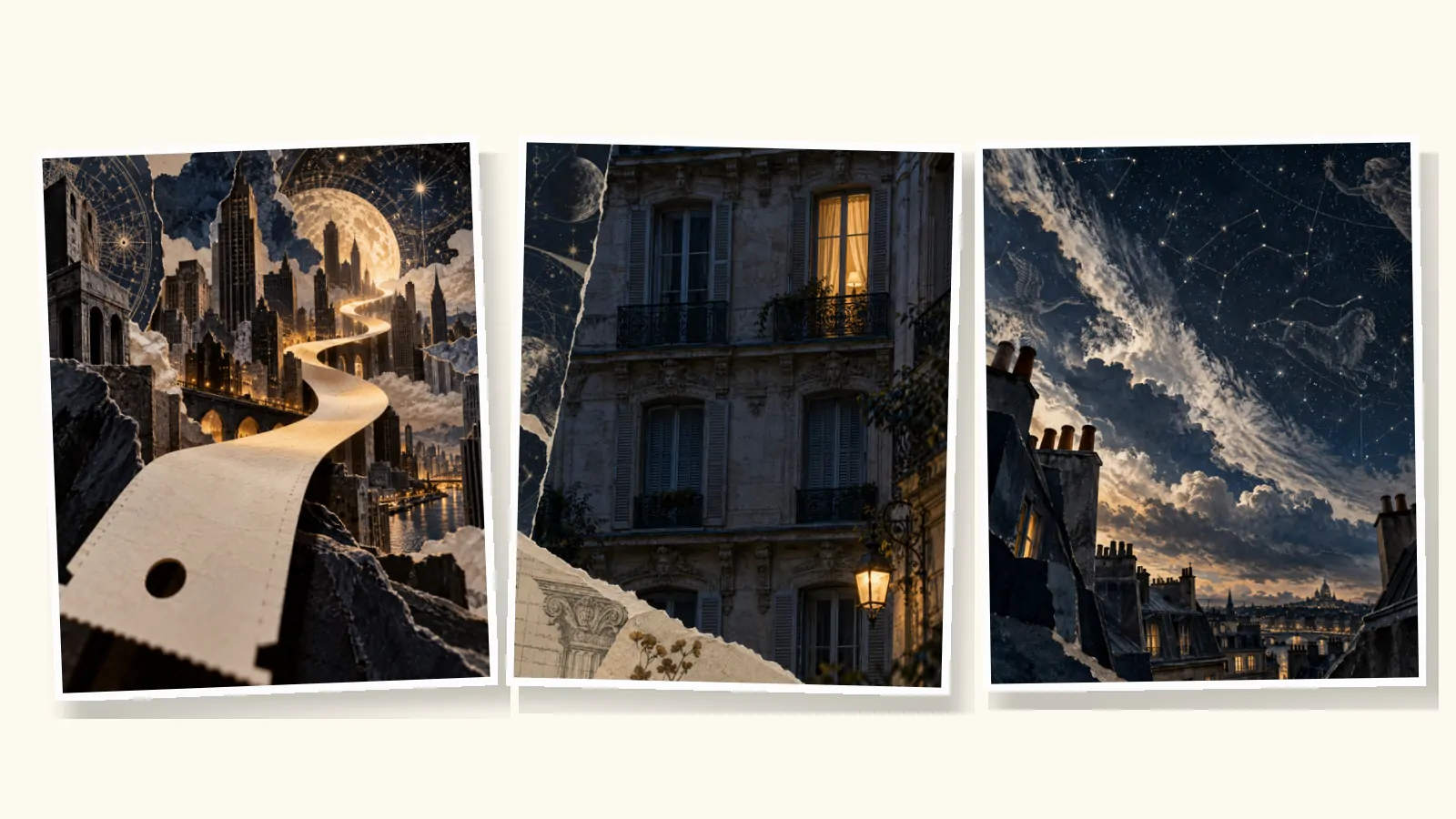
Vox-style animation has no official name. It is the popular label for editorial motion graphics built from paper collage and cutout animation: photographs and illustrations cut out, layered on textured paper and moved with simple, deliberate motion, with short highlighted words on screen. Motion designers also call it collage animation, mixed-media motion graphics or paper cutout animation.
The name comes from Vox, the explainer news site whose YouTube videos made the look familiar. Below is where the style comes from, the seven techniques that define it, and what we learned recreating it with AI for our own ads.
The names people use
Search for this look and you will find several labels for overlapping ideas.
| Name | What it usually means |
|---|---|
| Vox-style animation | The editorial explainer look as a whole: collage, labels, maps, narration |
| Paper collage animation | Photos and illustrations layered as if cut from paper |
| Cutout animation | Flat cut-out pieces moved frame by frame, the traditional technique |
| Mixed-media motion graphics | Any blend of photography, illustration, texture and type |
| Editorial motion graphics | Motion design that serves a story or argument, as in journalism |
When you brief a designer or an AI tool, "paper collage" and "mixed media" describe the look more precisely than "Vox style", which is a reference, not a technique.
Where the look comes from
Cutout animation is old. Lotte Reiniger used hand-cut silhouettes in The Adventures of Prince Achmed (1926), the earliest surviving animated feature film, and Terry Gilliam's paper cut-outs gave Monty Python's Flying Circus its animated sketches. Collage and photomontage have long used ready-made imagery in the same way.
The explainer version is newer. Vox launched in April 2014) and has published explanatory videos on YouTube from the start. Its video team built recognisable series around the look, including Johnny Harris's Borders (2017 to 2019), Sam Ellis's map-driven Vox Atlas and Estelle Caswell's music series Earworm. In 2018 Netflix launched Explained), a series produced by Vox Media in the same format.
The handmade feel is deliberate. In a 2024 Storybench interview, a Vox art director describes a video whose visuals were all handcrafted from construction paper, and a process that starts with sketches before moving into After Effects. Too much polish, he explains, makes a video look "more like an ad than an editorial piece".
Seven techniques that define Vox-style animation
These are the techniques we rely on most. The examples come from ads we produced while building vox.style.
1. Photo cutouts on textured paper
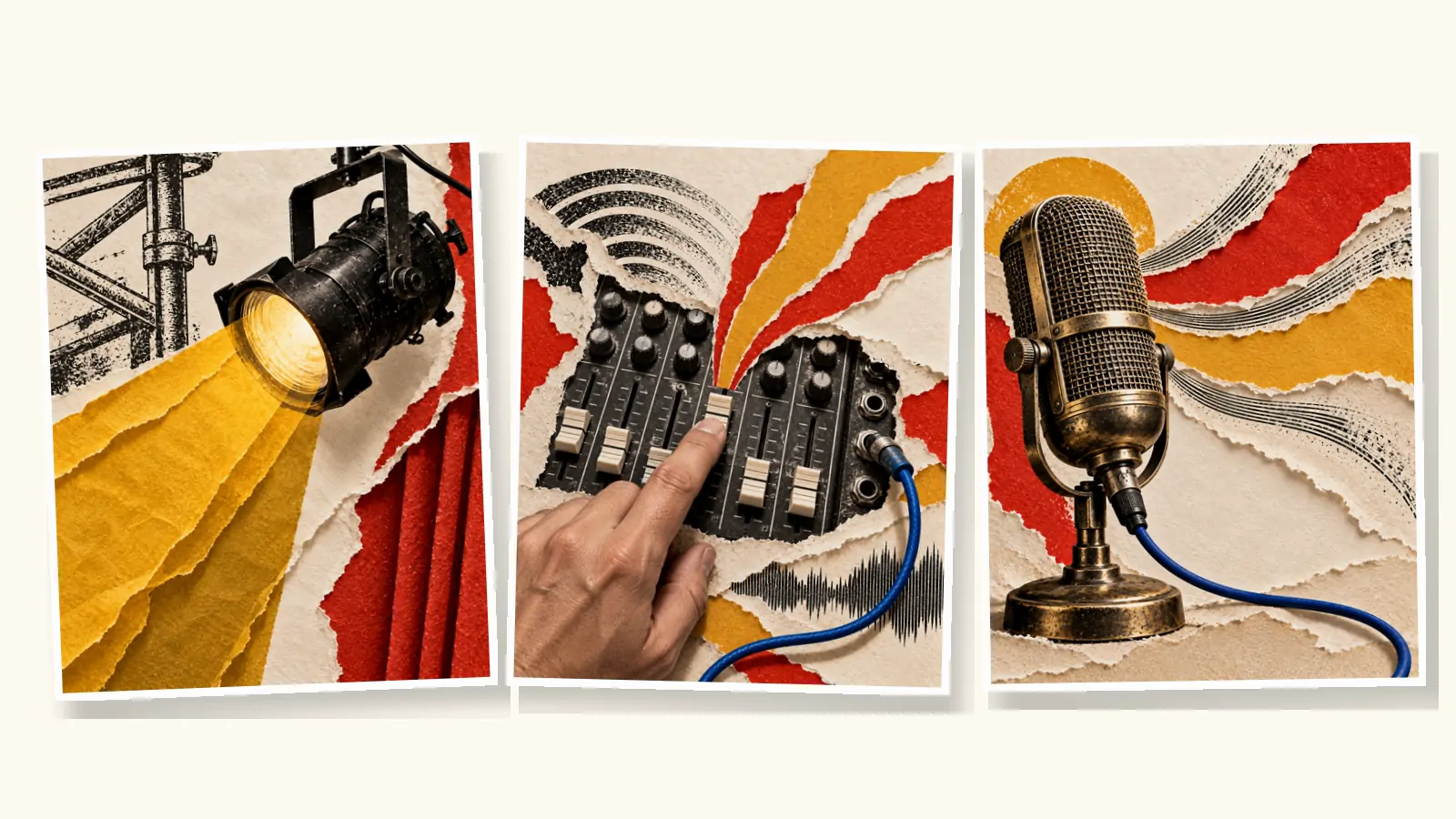
Real-looking photographs are cut out and placed on cream paper, card or newsprint. The mix of photographic detail and handmade surface is the core of the look. Keep the cutouts believable: correct perspective and light, even when the arrangement is surreal.

2. Torn edges and visible layers
Edges are torn or cut, never clean vector shapes. Visible layers, with shadows between them, give depth without 3D. A torn strip of paper can also be a transition: rip it away and the next scene is underneath.
3. Highlighted labels
Short phrases appear in bold sans-serif type on a solid highlight, like a marker on a printed page: "LOOK CLOSER." "STILL WATCHING?" They carry the story when the sound is off. Two to six words is the sweet spot.

4. Reveals: peel, unfold, sketch to photo
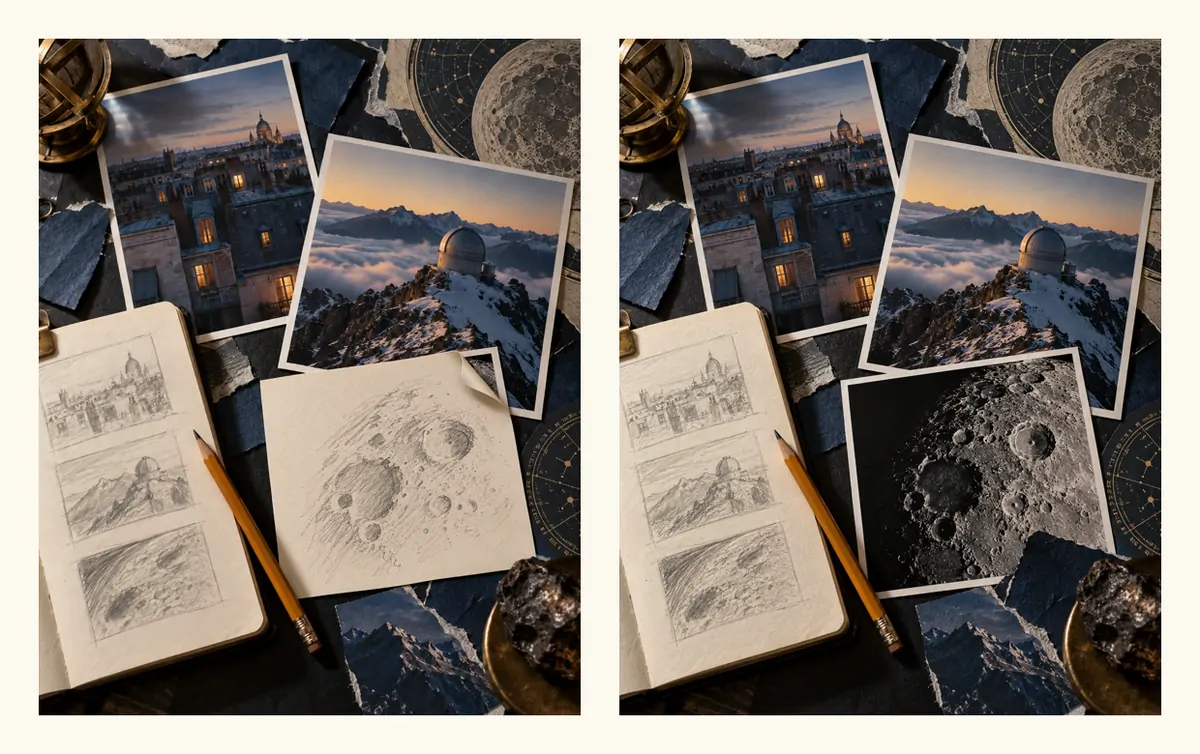
The most satisfying moments are reveals. A sheet peels back, a map unfolds, a pencil sketch becomes a photograph. A reveal turns a static collage into a small piece of storytelling, and gives the narration a beat to land on.
5. Archival texture
Engravings, halftone dots, contact prints, old maps, diagrams and handwriting give a scene the feel of research. In our telescope ad, fragments of astronomical engravings and contact prints of rooftops and craters sit around the main photographs.
6. Limited, deliberate motion
Vox-style motion is restrained: slow push-ins, gentle parallax between layers, pieces sliding into place, a light camera drift. Several tutorials point out a stepped, slightly stuttered quality, made by animating some elements at 12 frames per second inside a 24 fps edit (PremiumBeat). It reads as handmade rather than mechanical.
7. Maps, charts and annotation
Arrows, circles, highlighter strokes, maps and simple charts drawn over images explain the argument. Sam Ellis has described one Vox Atlas video as mostly tracing maps from old books, relying on existing cartography rather than inventing it (Storybench). Our product ads use annotation lightly; explainers about places or data lean on it heavily. The Vox-style motion graphics guide covers maps, annotation and charts in more detail.
Tools for making it
- After Effects: the classic route, and what Vox's own teams describe using. Full control, steep learning curve. Our Vox-style animation tutorial builds one scene step by step.
- Canva and CapCut: templates and tutorials can get a convincing collage look for intros and short clips, with less control over motion.
- AI tool chains: an image model for collage stills, an image-to-video model for motion, text-to-speech for narration, and an editor to assemble it all.
- An AI video maker: tools like vox.style run those steps in one place. You review the script, voice and images before the full video is made.
What AI gets right, and where it fails
We made nine ads with AI image and animation models. The collage look itself is the easy part. These are the things that went wrong and how we handled them.
- Text inside images. Generated lettering comes out misspelled or blurred. We prompt for images with no text at all and typeset every label separately.
- Materials that move wrongly. In our telescope ad, dark fabric in the background floated like a flag once animated. We replaced it with a solid wall.
- Reveals that reveal nothing. A peel animation uncovered the same image that was already showing. A new opening frame, a pencil sketch over the photograph, fixed it.
- Mechanical detail. A bicycle came back with an extra set of rear gears. Hands, tools and machines need close review.
- Consistency. People and products must look the same from scene to scene. We use the first approved image as a reference for the next ones.
- Audio from the animation model. We remove it and use only the approved narration and music.
The common thread is review. Approving still images before animation is cheaper than fixing a finished video. The Vox-style ads guide shows that process scene by scene.
FAQ
What is Vox-style animation called?
It has no official name. "Vox-style" refers to the explainer videos of Vox. The techniques are usually called paper collage animation, cutout animation or mixed-media motion graphics.
Who invented the Vox style?
No single person. Cutout animation dates back to the 1920s, and collage is older still. Vox's video team, working from 2014, combined collage, archival texture, maps and highlighted text into the explainer look many people now associate with the name.
Can I make Vox-style animation in Canva?
Yes, for short pieces. Canva tutorials show collage layouts, paper transitions and highlighted text. For longer videos with narration and animated reveals, After Effects or an AI video maker gives more control.
What frame rate does Vox-style animation use?
Videos are usually edited at 24 or 30 frames per second. Tutorials recommend animating some elements at 12 fps inside a 24 fps timeline to get the slightly stepped, handmade movement.
How do I write a script for this style?
Give every scene one idea, one spoken line and one short label. The Vox-style script guide has a beat sheet and templates. For costs, see what a Vox-style video costs, or start with the Vox-style videos guide.
The example frames come from illustrative ads we produced by hand while building vox.style; the products and brands are fictional. vox.style is an independent product, not affiliated with Vox or its owners.