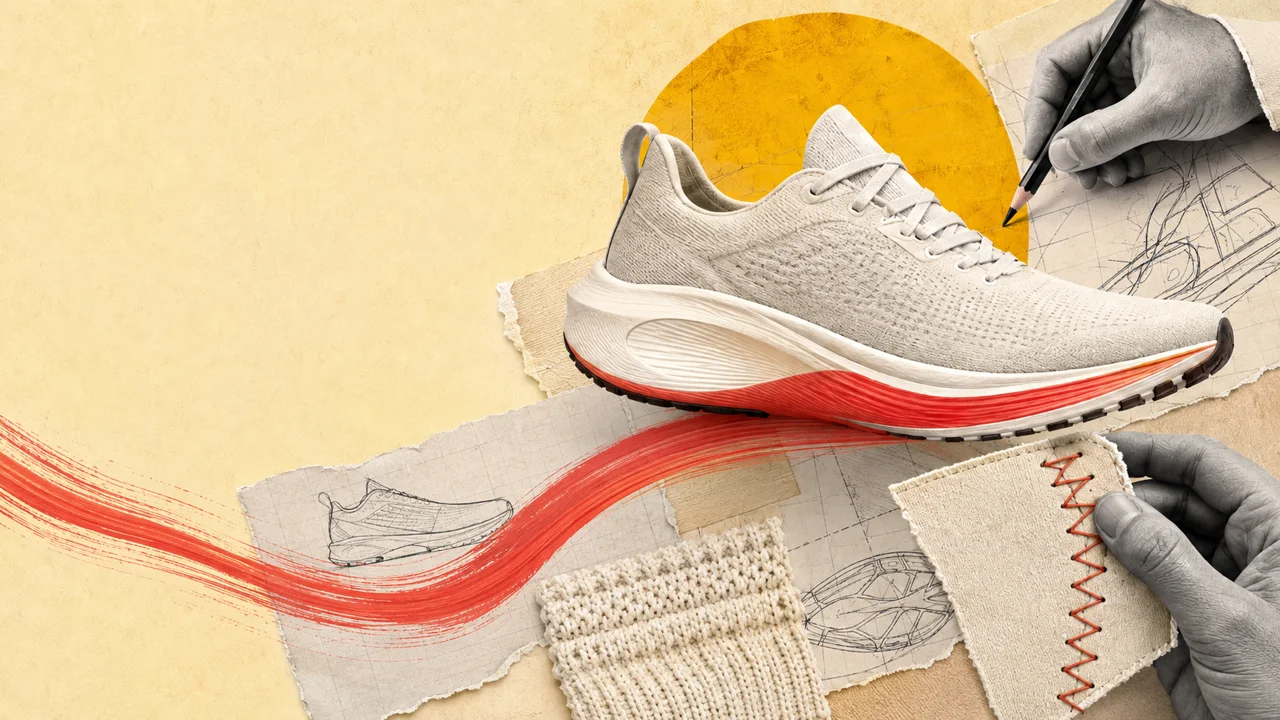
01 / Product stories
Make every detail mean something.
An AI video maker for ads, product stories, explainers and documentaries.
Bring your idea to life with narration, animated collage and bold visuals.
Sign in and activate your plan. Explore the example films below.
The idea is only the beginning
Give your idea a voice, a world, and movement.
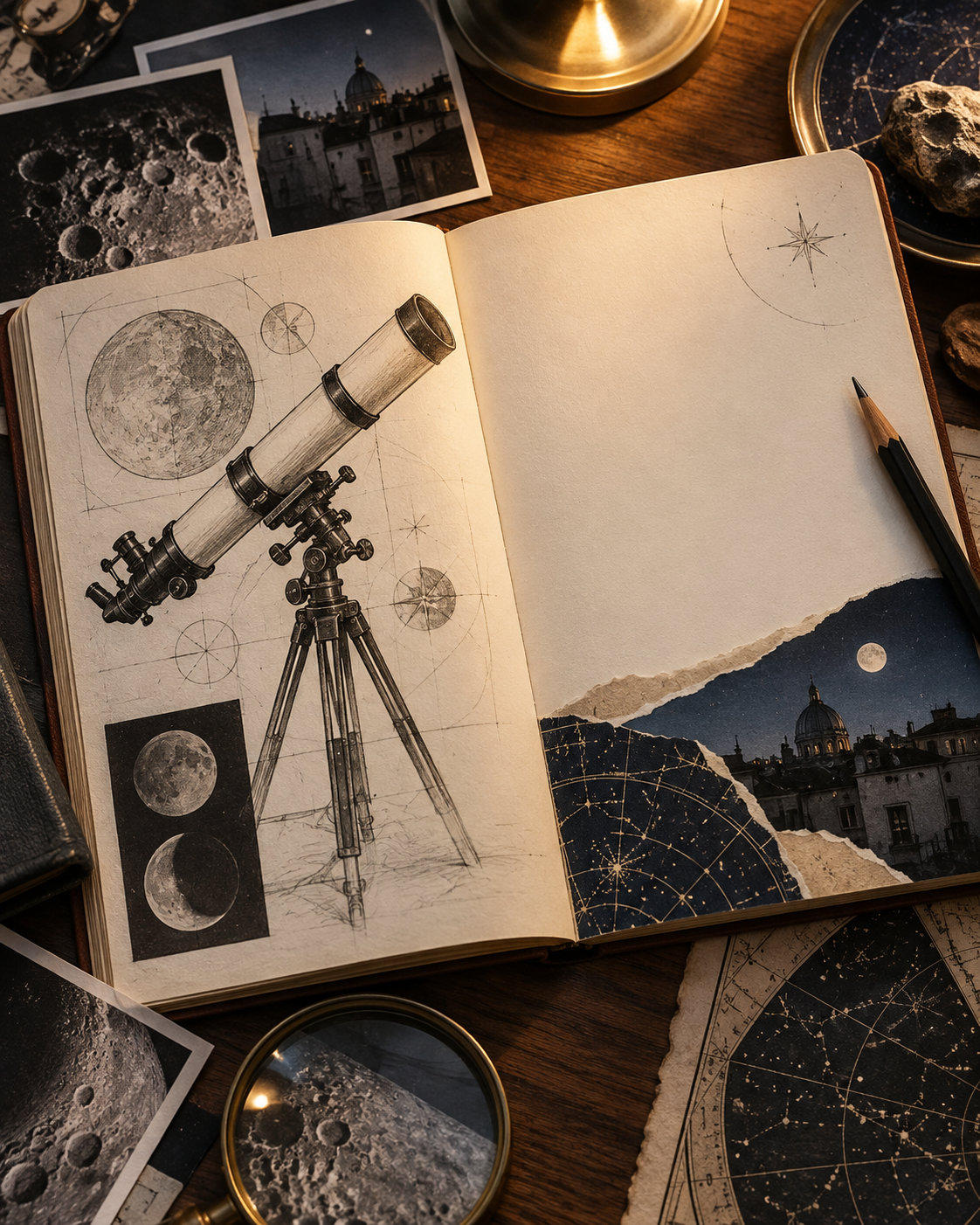
Your idea
“A telescope that
brings the moon closer.”

The stories you can tell
For the thing you’re launching, the idea you’re explaining, or the life you’re documenting. Find your starting point.
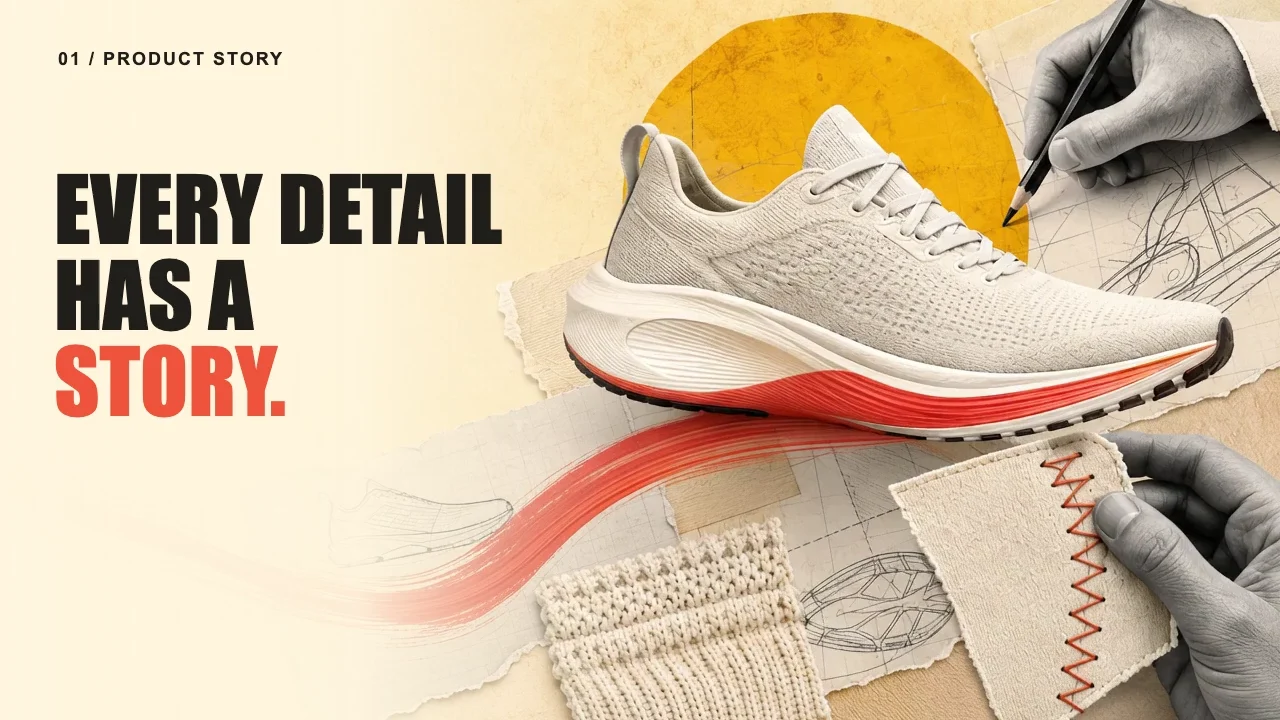
Make every detail mean something.
Show the idea in action.
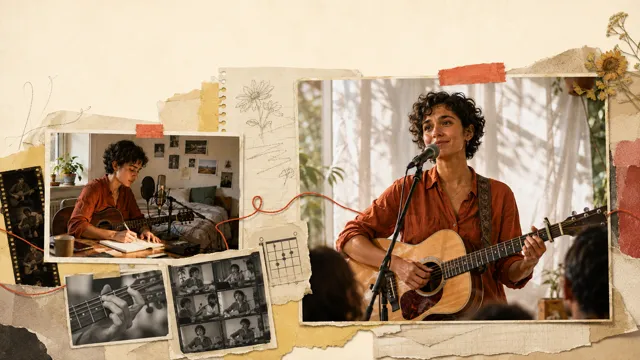
Give the moments a voice.
Illustrative stories. Real creative possibilities.
From idea to finished film
Sign in, confirm your email, and activate your plan to start. Checkout is securely handled by Stripe.
Start with a public product URL, an idea, or your own script. We analyze the page to understand the product and its visual context.
Shape the script, choose a voice, and set the visual direction.
Review the production images before creating the full video. Replacement sets use additional credits, shown before you confirm.
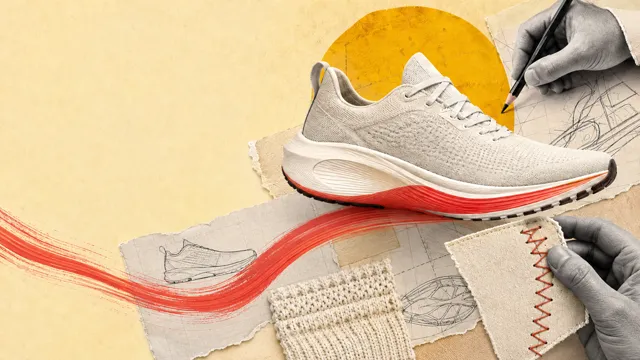
Sign in, activate your plan, then create your video.
A different subject. A different world.
The craft behind a product. The idea behind a tool. The moments behind a life. Give people a reason to care about your story.
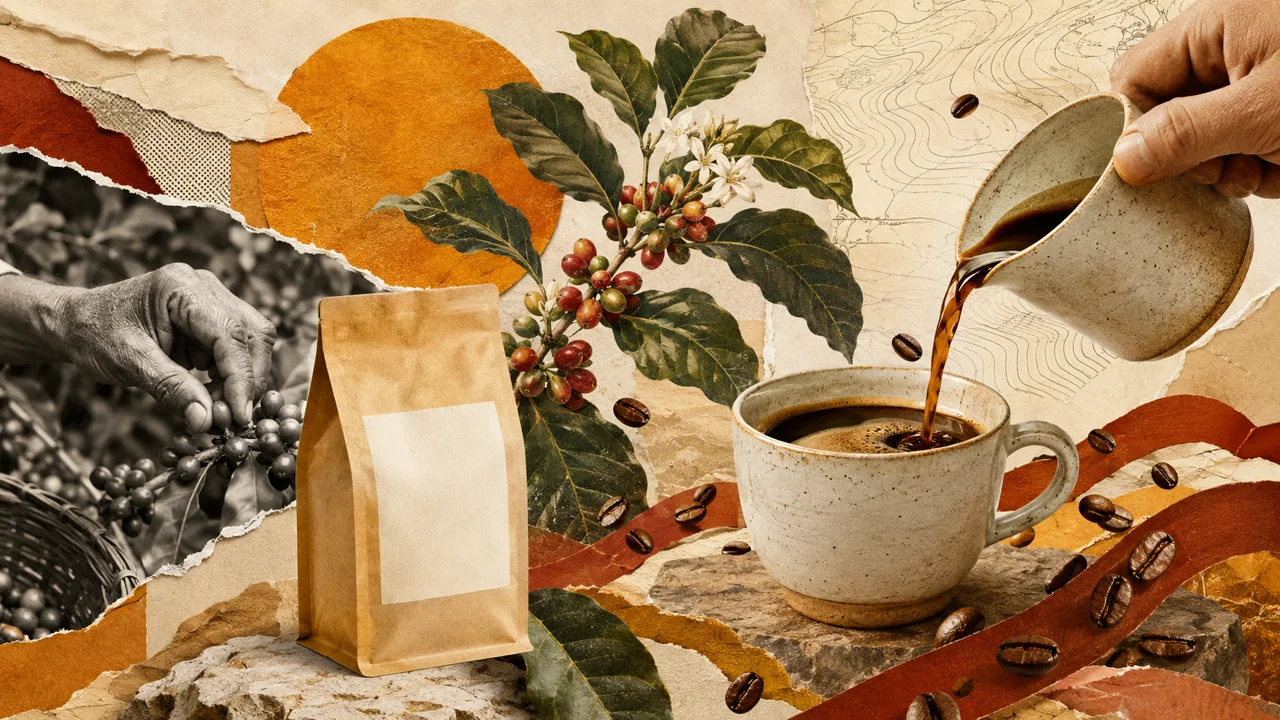 06 sec
01 / Specialty coffee
Follow the cherry, the craft, and the pour. Make the story behind an everyday ritual visible.
 06 sec
02 / Botanical skincare
Connect the botanical details, the formulation, and the finished product in one visual world.
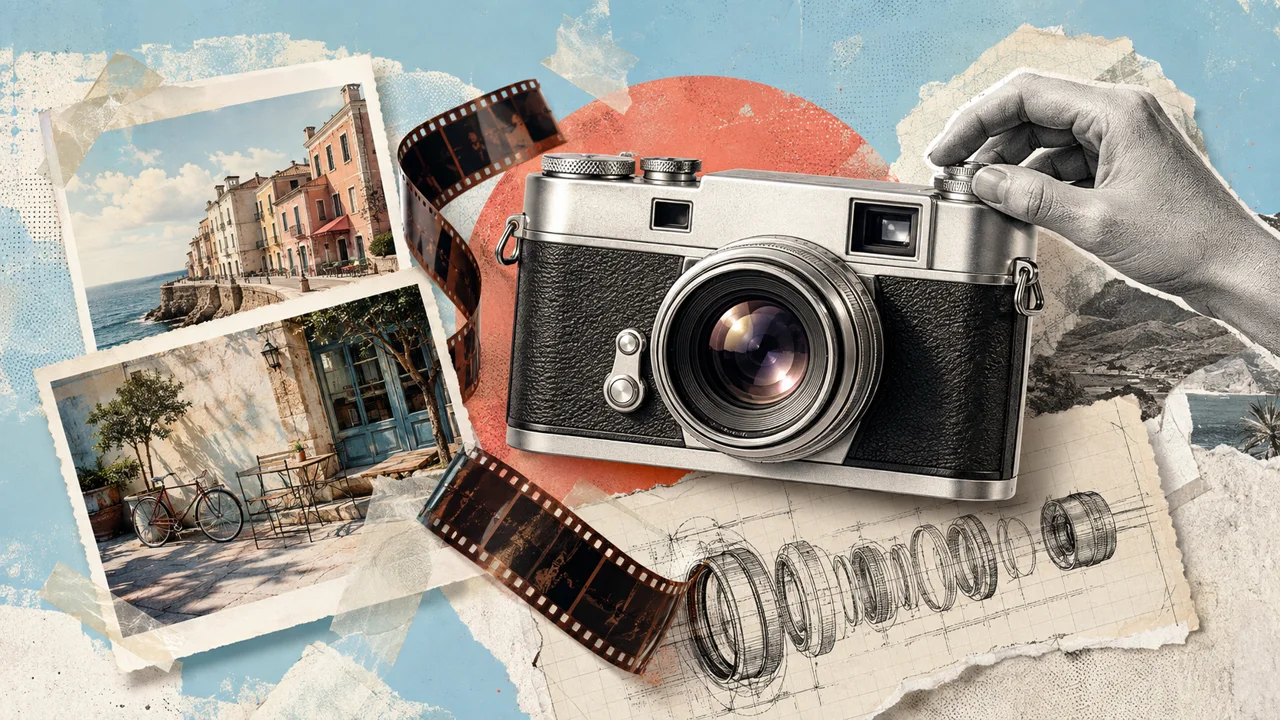 06 sec
03 / Analog photography
Connect the camera’s craft to the photographs someone will keep. Show what the product makes possible.
 06 sec
04 / Artisan watches
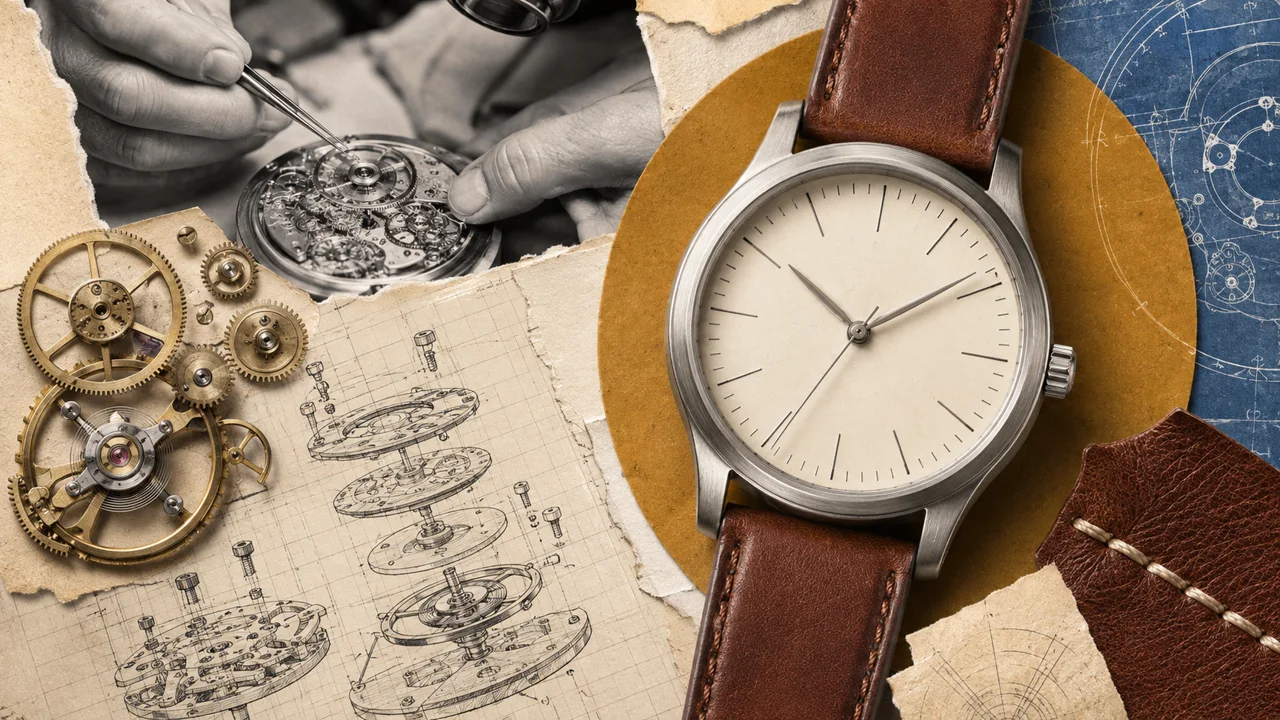
Technical drawings, brass gears, and leather textures bring the craft behind a timepiece into focus.
 06 sec
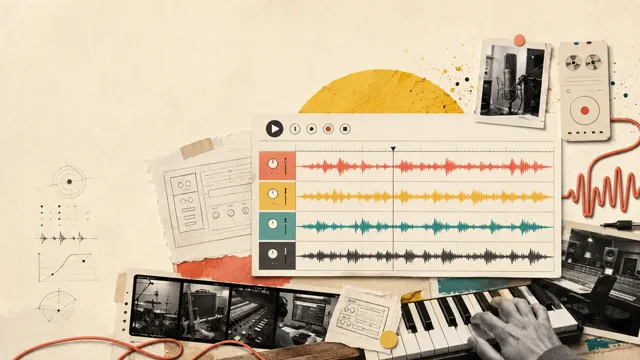
05 / Digital music tools
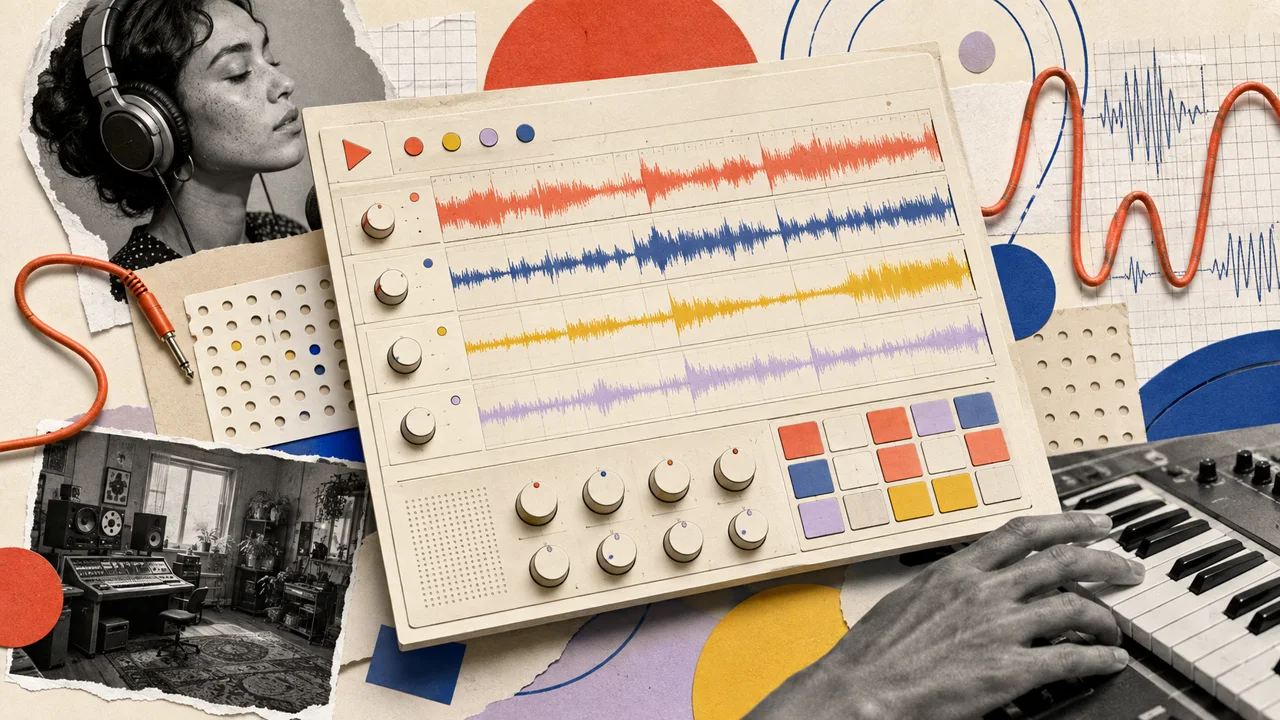
Bold shapes, layered waveforms, and studio details turn a digital workflow into a story you can feel.
 06 sec
06 / Personal journeys
Maps, photographs, and collected details follow a journey from the first route to the moments that stay with you.
Six original concept films.
Products, digital ideas, and personal journeys, brought to life through editorial collage.
Make it feel like your story
A great-looking video still needs to say the right thing. Shape what people hear, what they see, and what they take away.
The narrative
Start with your own words or an idea, then refine the narrative before approving it.
Give every scene a reason to be there.
The voice
Use a recording to give the story a familiar voice, or choose generated narration.
Hear the voice in our filmThe visual direction
Your visual direction combines reference material, collage, typography, color and motion. Bring your own reference images and brand assets.
Keep the subject at the center of the style.
See the direction before you commit
Listen to your narration and review the production images before animation begins.
Give feedback and approve the direction before the full film is created.
Create your videoReview and approve your images before the full video.
01 Does the voice feel right?
02 Is the story easy to follow?
03 Does the look feel like you?
A scene is easier to judge than an idea in your head.
Made for where your story belongs
Choose a format for the place you want to share your story.
Your approved visuals and narration, brought together in an MP4 video.
A separate caption file to accompany the narration wherever supported.
Set the shape and target length around your audience and where they’ll watch.
One plan. More stories to tell.
6,000 credits. Choose how you bring your story to life.
Launch offer · Save 25%
$59$44.25
USD / month with PH25OFF
6,000 credits per month.
Credits never expire.
Find your balance
60 to 120 seconds
Estimated video time per 6,000 credits
Up to 8 × 15-second video ads
Planning estimates for 5 to 10-second scenes. Ad counts assume separate 15-second videos. Scene count and revisions affect credit usage.
Add credits from your account, starting at $25. Credits never expire.
vox.style creates product stories, ads, brand launches, explainers, personal journeys and documentaries. Start with what you want your audience to understand or feel.
Yes. Start with a public product or website URL. Page analysis extracts product information and visual context for you to review and use in your brief. Add important details the page does not cover.
Bring your script or idea, a public product URL, recorded voice-over, and supporting brand assets. Use material you have permission to use.
Yes. Listen to your narration and review the actual production images before animation. Keep the set or provide feedback for replacements. Replacement generation has an additional credit price to confirm first.
You receive an MP4 with approved visuals and narration, plus a separate caption file based on the approved script. An uploaded voice-over needs to match that script.
No. You can start from a public product URL or the point you want to make. You can also bring a script you have already written. Review and approve the script in the app.
Yes. The upload supports MP3, WAV or M4A recordings up to 25 MB. Your recording must match the approved script; the video duration adjusts to the narration. It uses your recording directly, without voice cloning.
Yes. Activate your $59/month plan through secure Stripe checkout, then start creating. Every production step shows a credit estimate for you to confirm.
You’ll sign in and confirm your email, then continue to secure Stripe checkout to activate your plan. Once payment is confirmed, your video brief opens. Existing subscribers go straight to creating a video.
Your product. Your idea. Your life.
Sign in and activate your plan.